
Built for Everyone In Your Project.
Three portals, one platform. Designers run the show, collaborators jump in when needed, and clients stay in the loop — each with their own tailored experience.
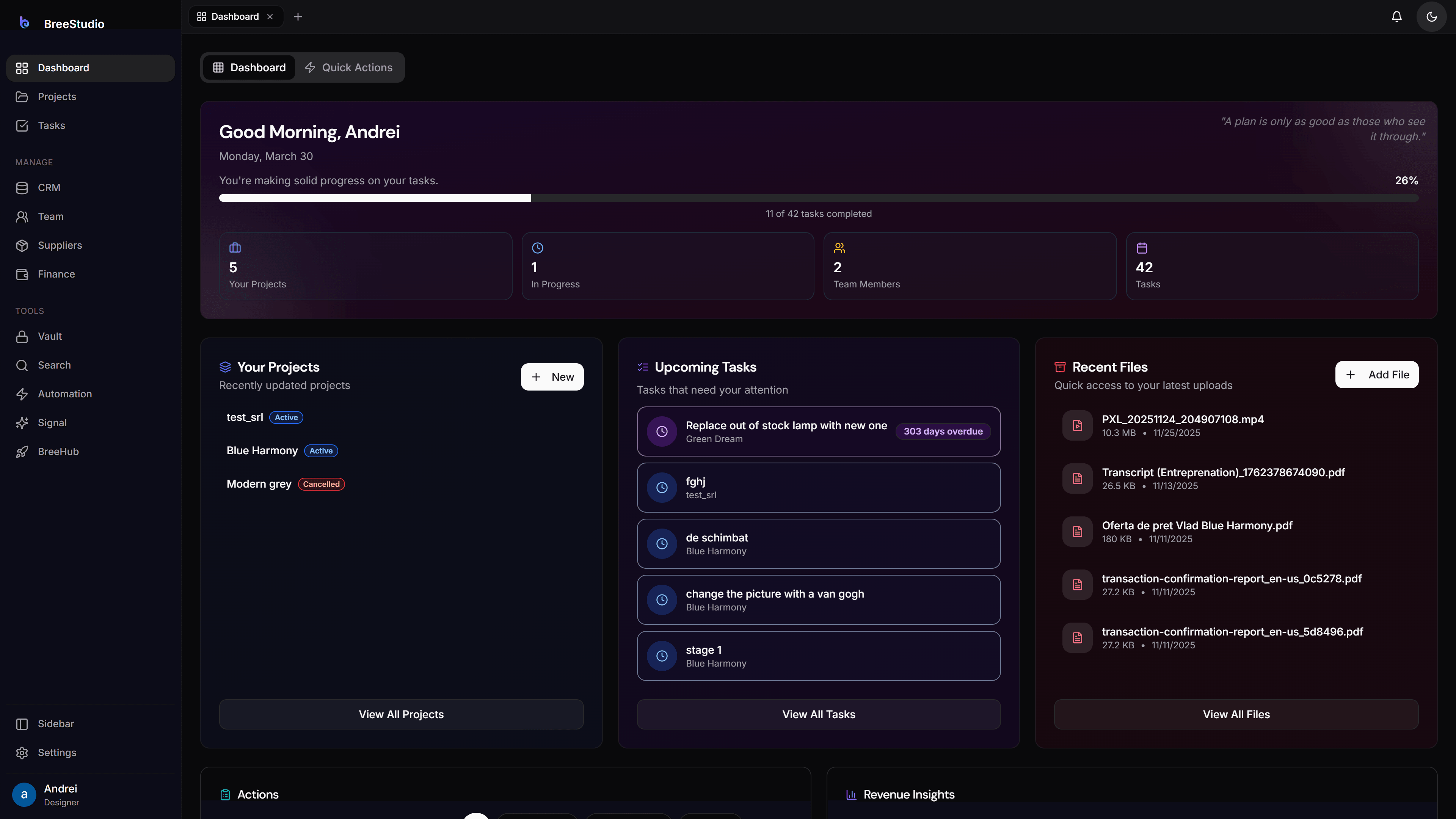
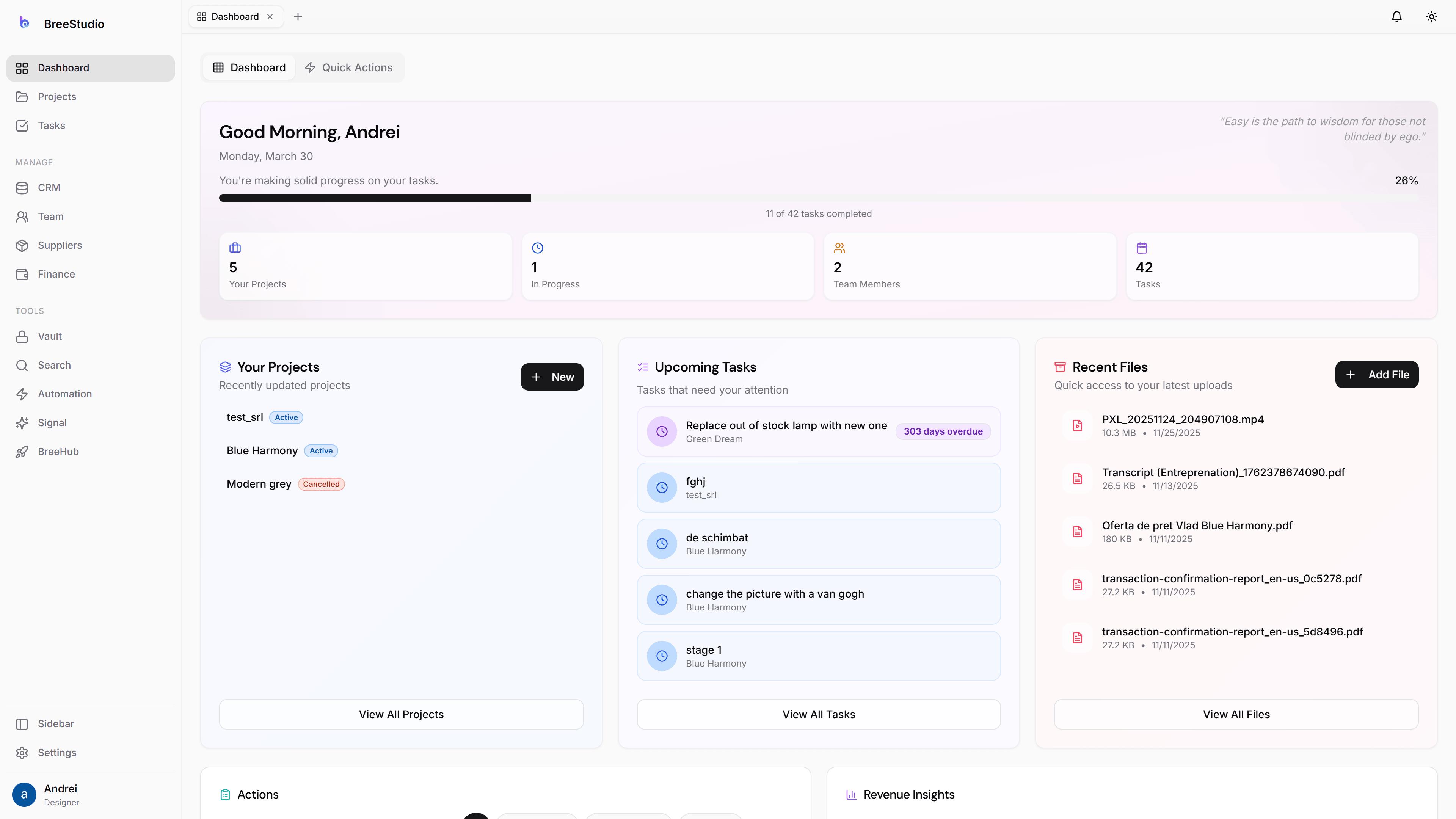
One platform, three perspectives — designer, collaborator, and client.
One Platform, Three Perspectives
Every person in your project gets their own tailored experience — with exactly the right level of access.
Your Team
Everyone on the same page. No more “did you see my email?” or hunting for that file.
Collaborators
Bring in specialists when you need them. They work with full designer power — but only within the projects they’re invited to.
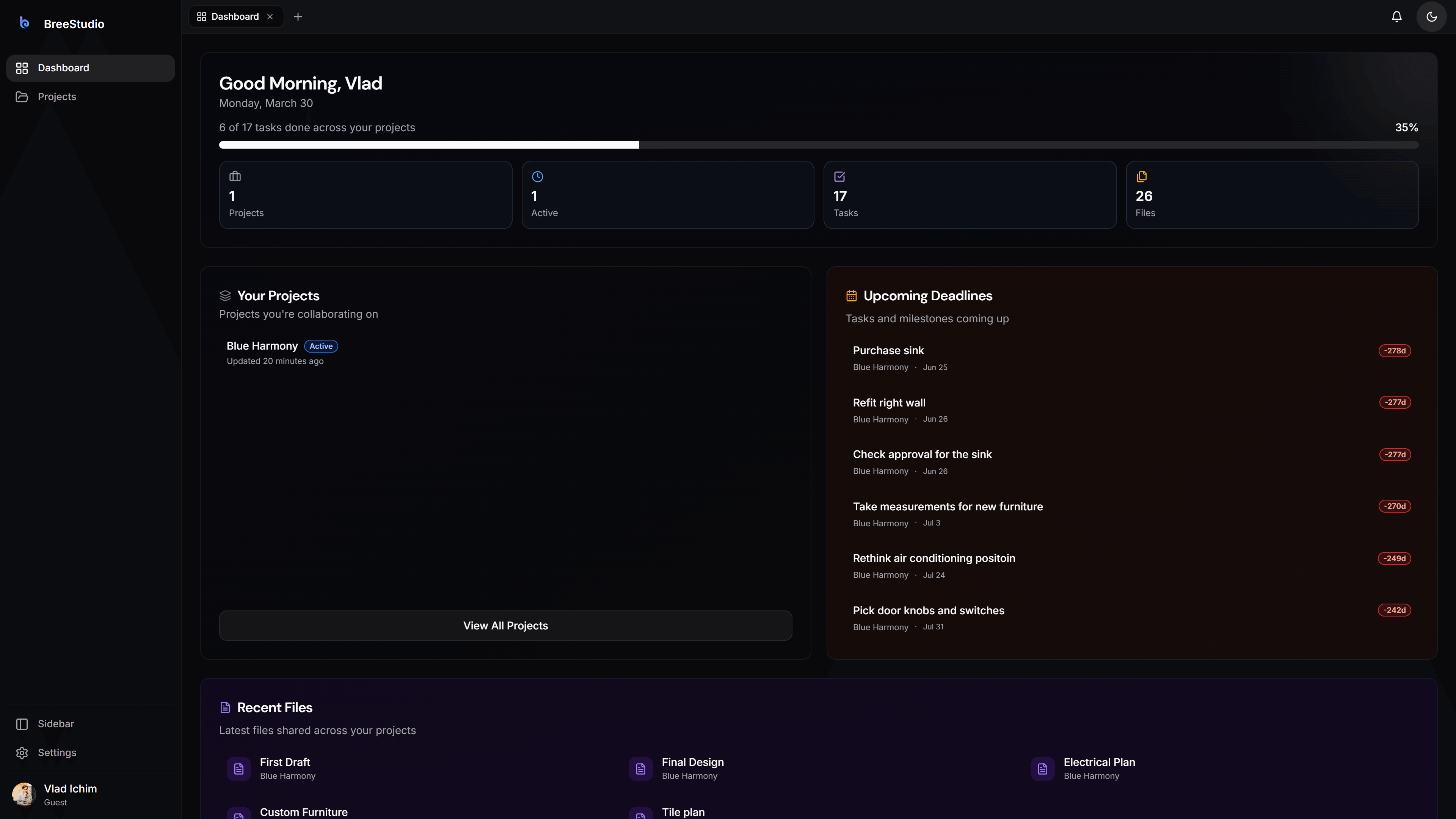
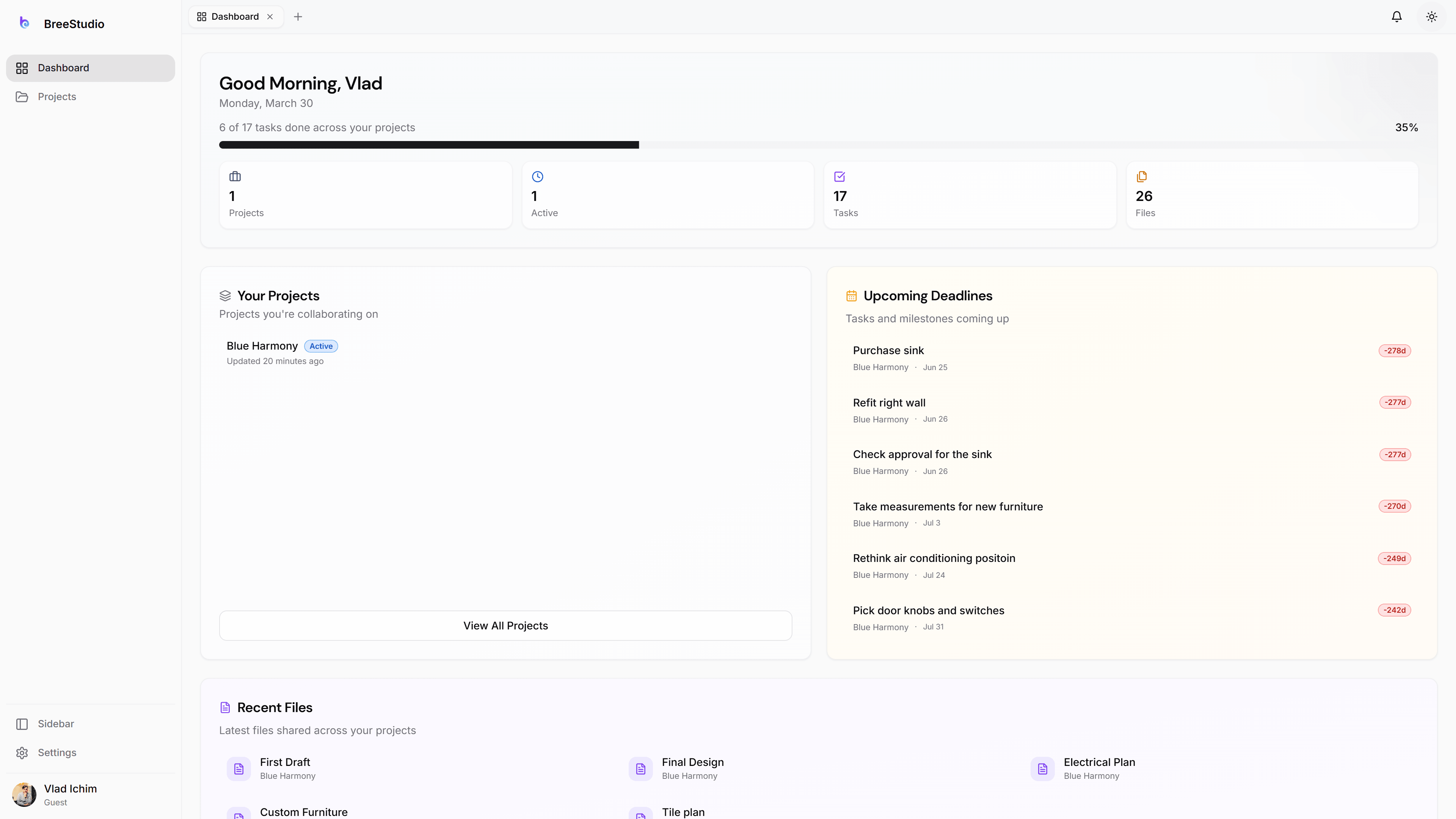
Clients
Their own portal. They approve, comment, and stay in the loop — without the endless calls. No destructive actions, ever.
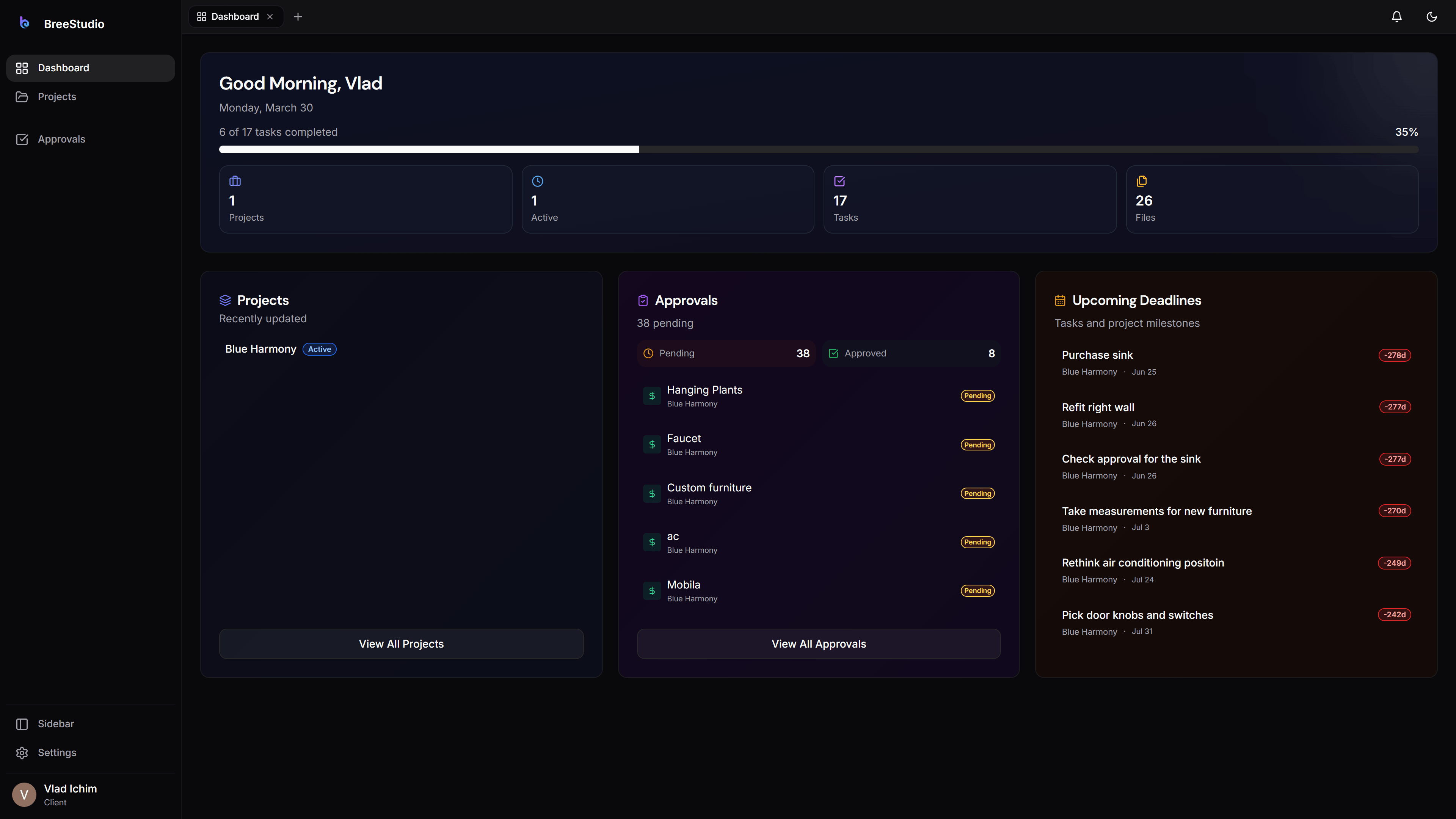
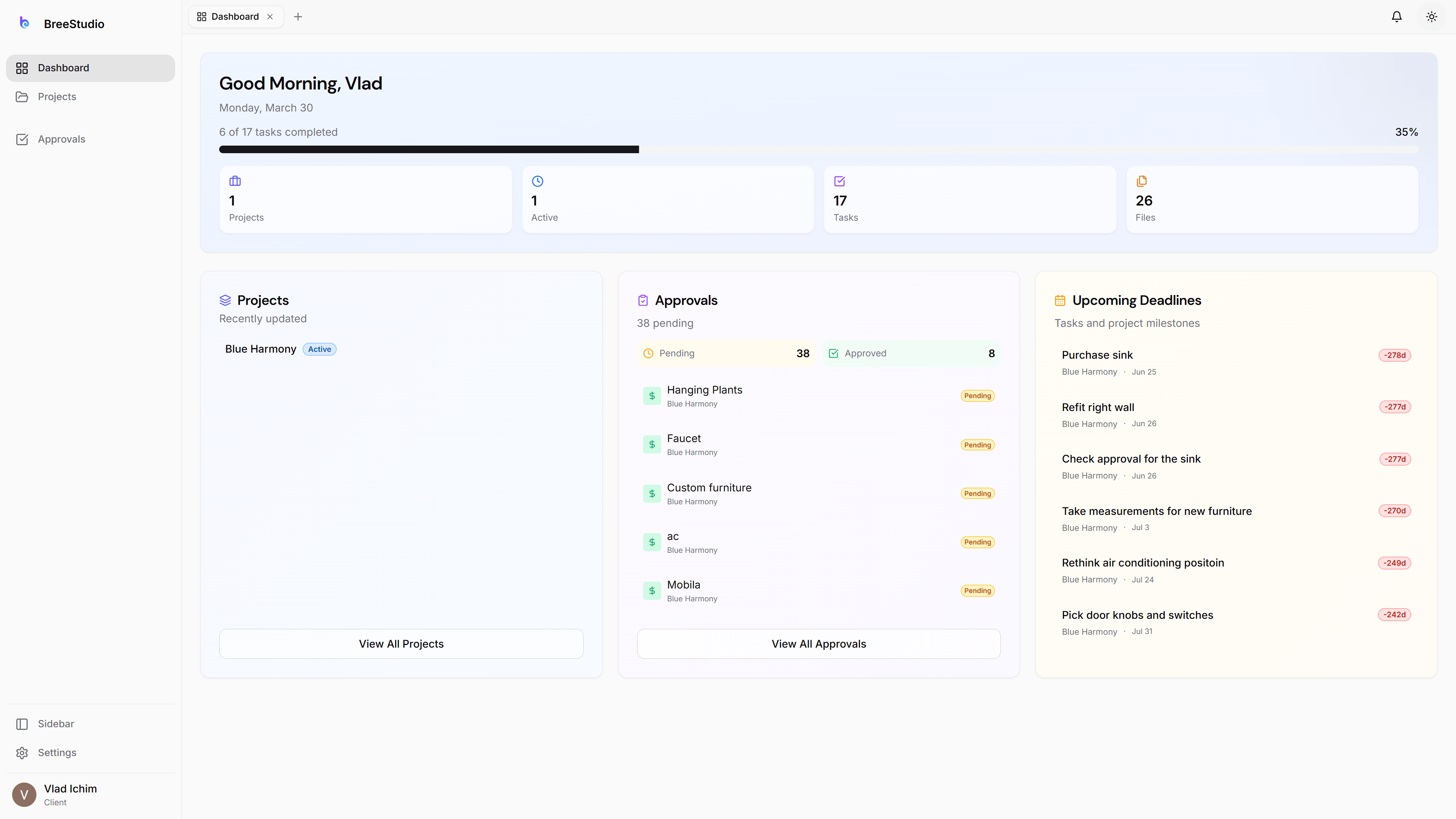
Your Command Center.
The full dashboard — projects, budgets, tasks, CRM, calendar, and analytics. Everything at your fingertips.
A Polished Experience for Clients.
Clients see progress, approve designs, leave feedback, and access shared files — all in a clean, branded interface.
Full Power, Scoped Access.
Collaborators work with the same tools as your team — but only within the projects they’re invited to. No CRM, no finance, no vault.
Feedback Without the Chaos.
Clients approve or request changes directly on designs. No email chains, no lost comments.
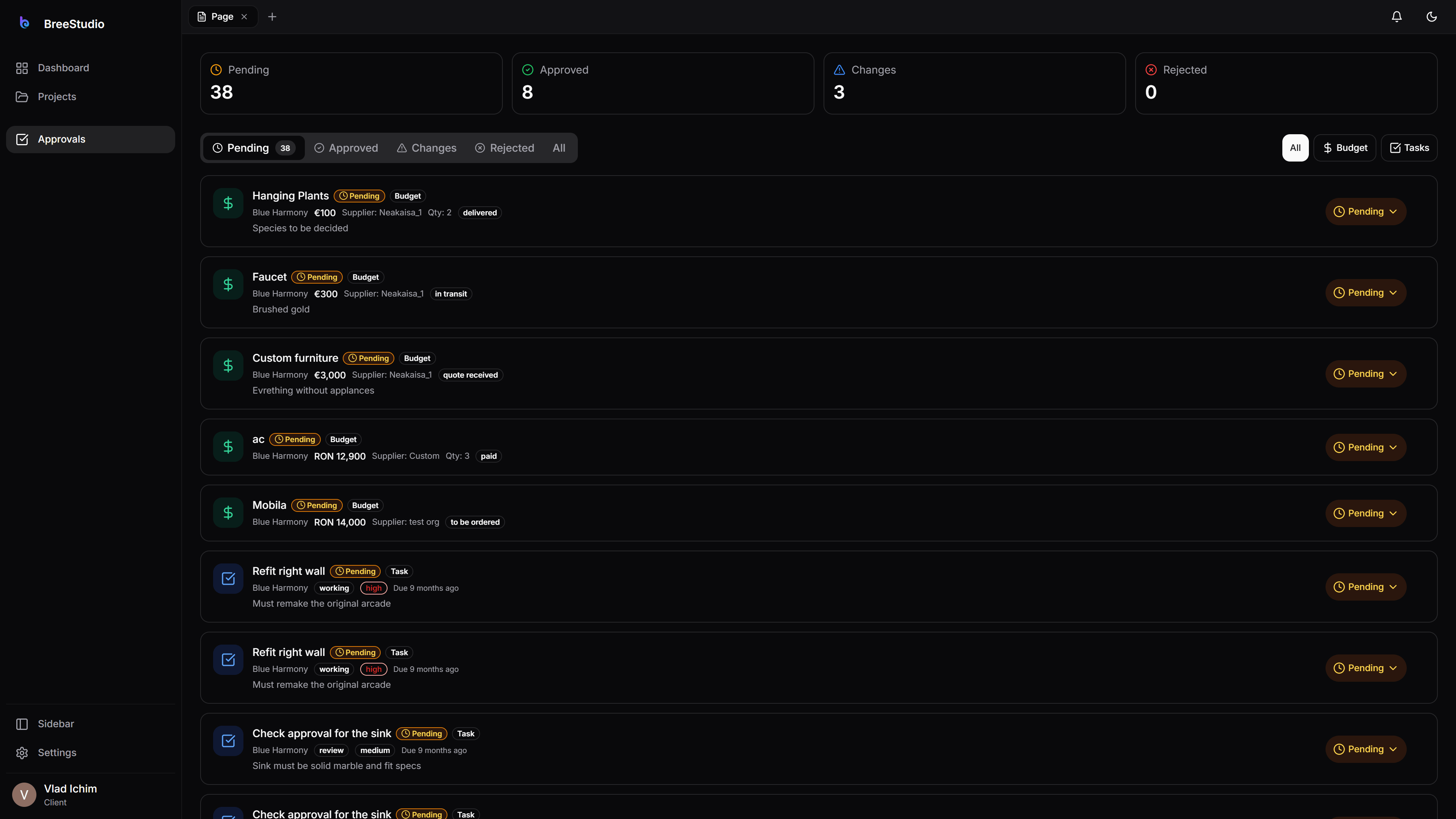
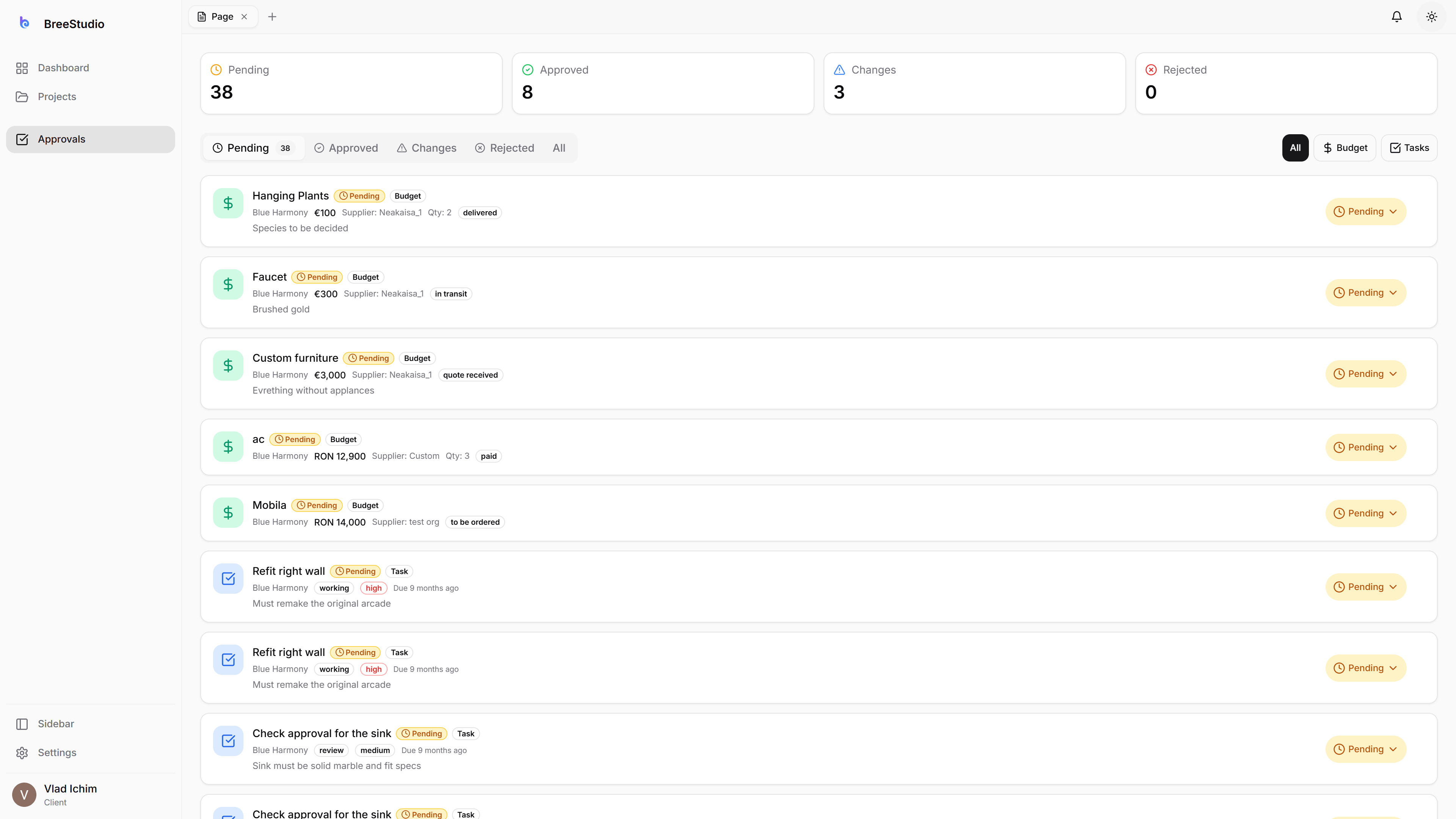
How It Works
One project, three experiences — each person sees exactly what matters to them.
Designer Creates
Set up the project, assign tasks, manage budgets, and control what gets shared.
Collaborators Join
Invite collaborators to specific projects. They get full designer tools within that project — no access to your business data.
Clients Review
Share a branded portal link. Clients view progress, approve designs, comment, and share files — safely, with no destructive access.
Everything You Need
Designer Portal
Full access to everything — projects, budgets, tasks, CRM, finance, vault, and more.
Client Portal
View-only project access. Clients comment, approve, upload and download files — no destructive actions.
Collaborator Portal
Full designer power within assigned projects. No access to CRM, finance, vault, or other business tools.
Tailored Views
Each role sees exactly what they need — nothing more, nothing less.
Non-Destructive Client Access
Clients can never delete or break anything. They view, comment, approve, and share files.
Unified Communication
Comments, approvals, and feedback flow between all portals seamlessly.
Shared Files
Everyone can view and download files. Clients can also upload. Designers control what gets shared.
Role-Specific Dashboards
Each portal has its own dashboard tailored to the user’s workflow.
What Each Role Sees
| Feature | Designer | Collaborator | Client |
|---|---|---|---|
| Dashboard | ✓ | ✓ | ✓ |
| Projects (view) | ✓ | ✓ | ✓ |
| Projects (edit/create) | ✓ | ✓ | — |
| Tasks (create & complete) | ✓ | ✓ | ✓ |
| Budget (view) | ✓ | ✓ | ✓ |
| Budget (approve & manage items) | ✓ | — | ✓ |
| 3D comments & model upload | ✓ | ✓ | ✓ |
| Comments & Feedback | ✓ | ✓ | ✓ |
| Design Approvals | ✓ | — | ✓ |
| View & Download Files | ✓ | ✓ | ✓ |
| Upload Files | ✓ | ✓ | ✓ |
| CRM & Pipeline | ✓ | — | — |
| Financial Reports | ✓ | — | — |
| Vault | ✓ | — | — |
| Team Management | ✓ | — | — |
| Suppliers | ✓ | — | — |