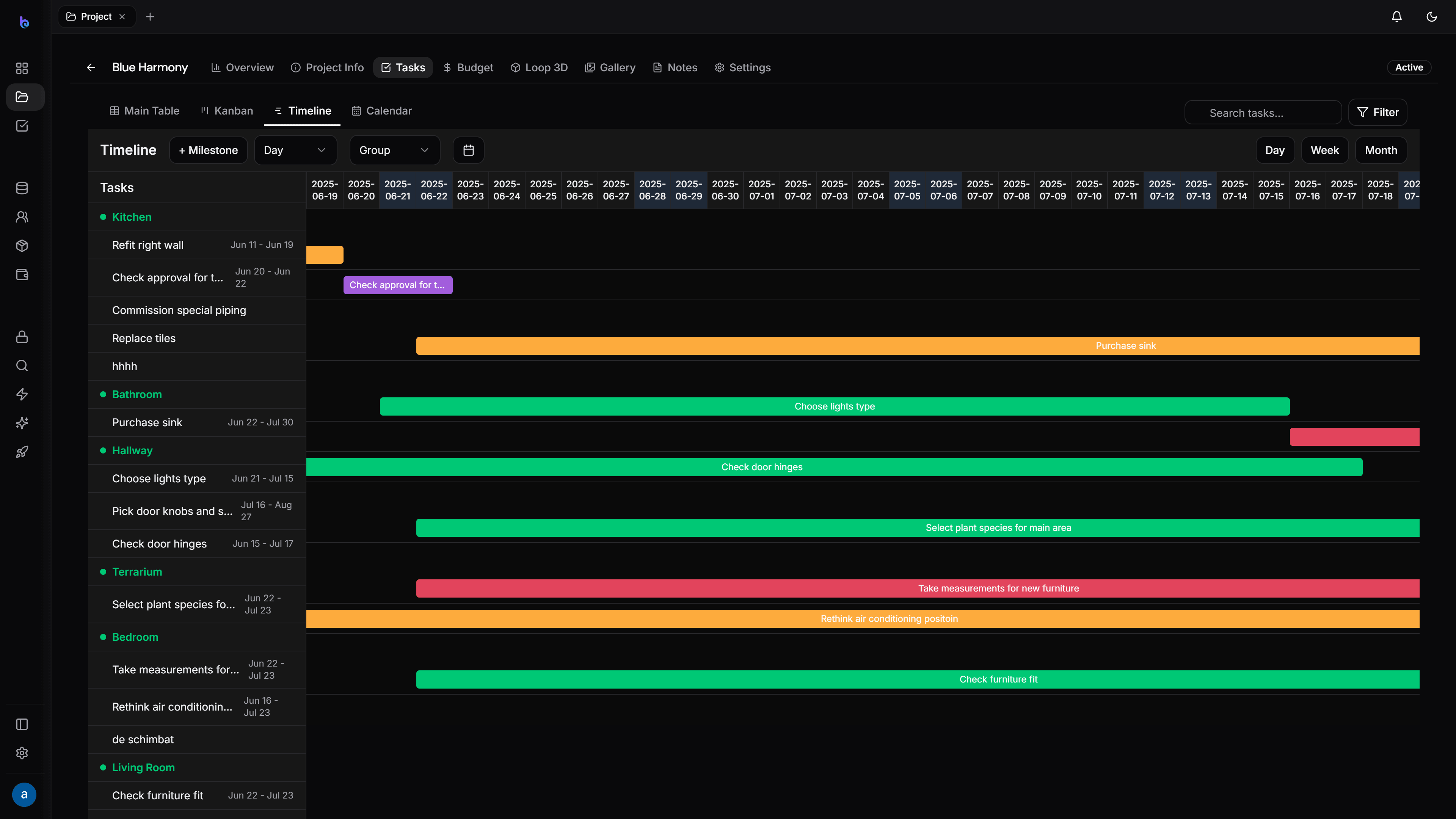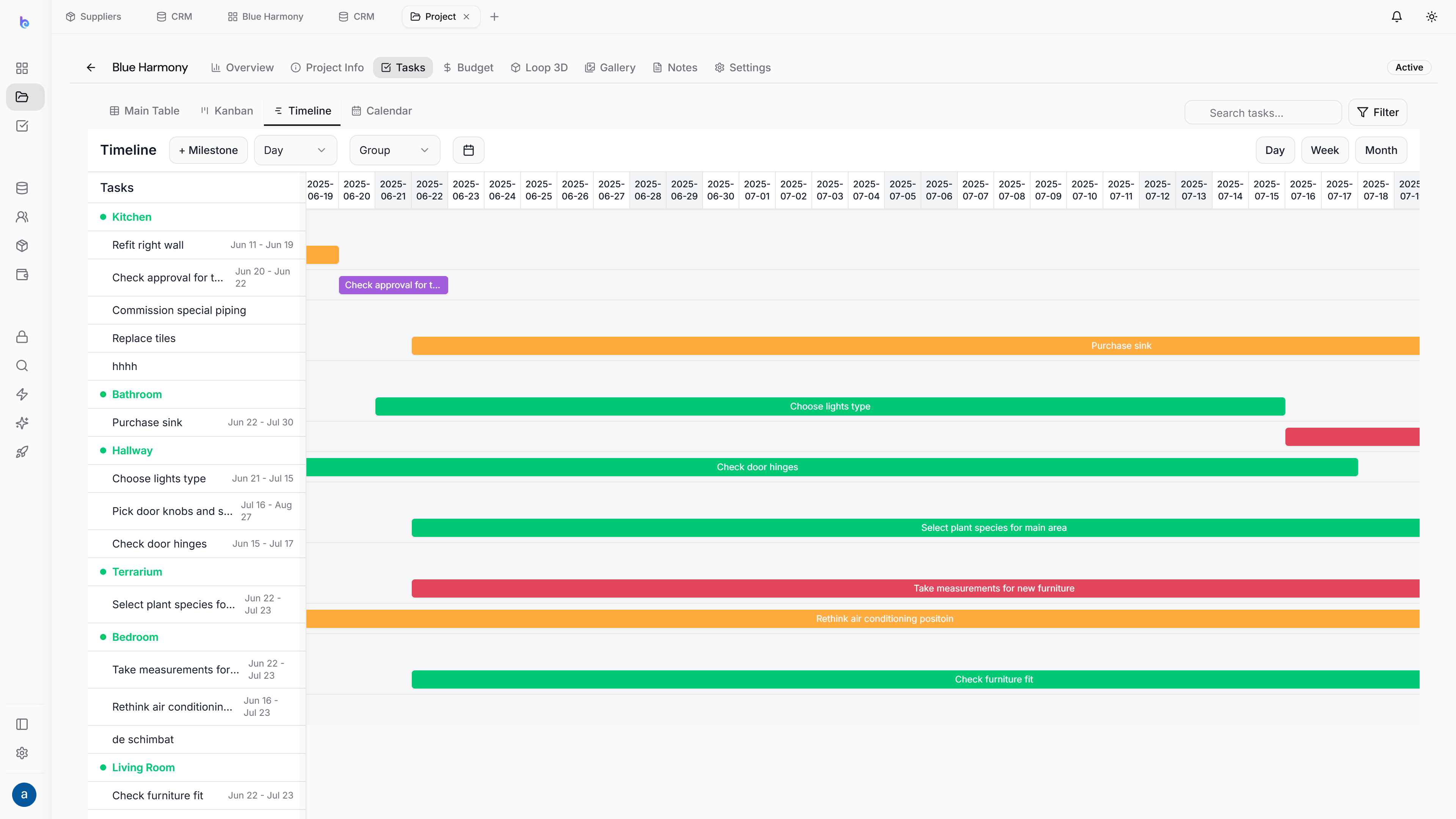
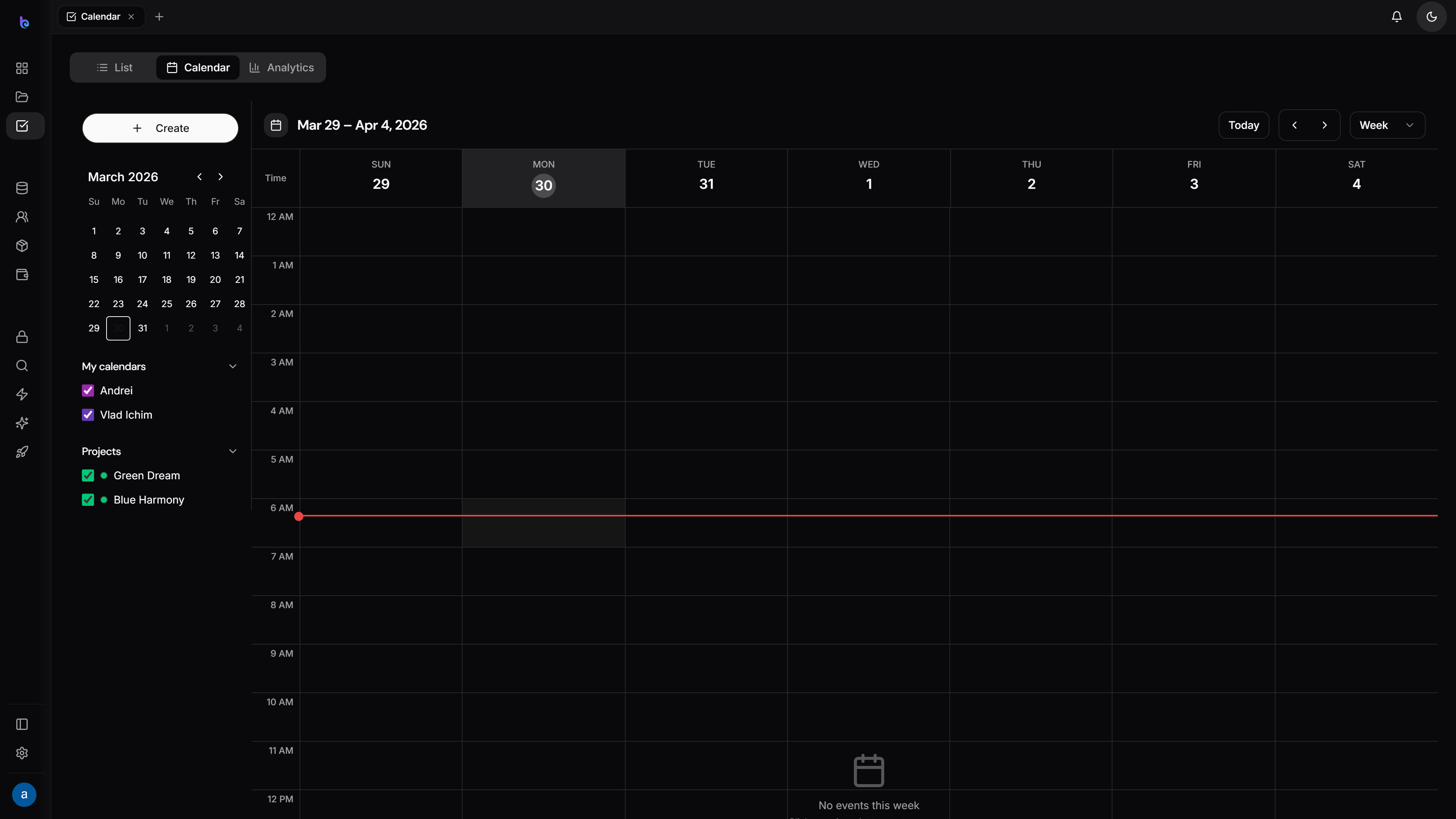
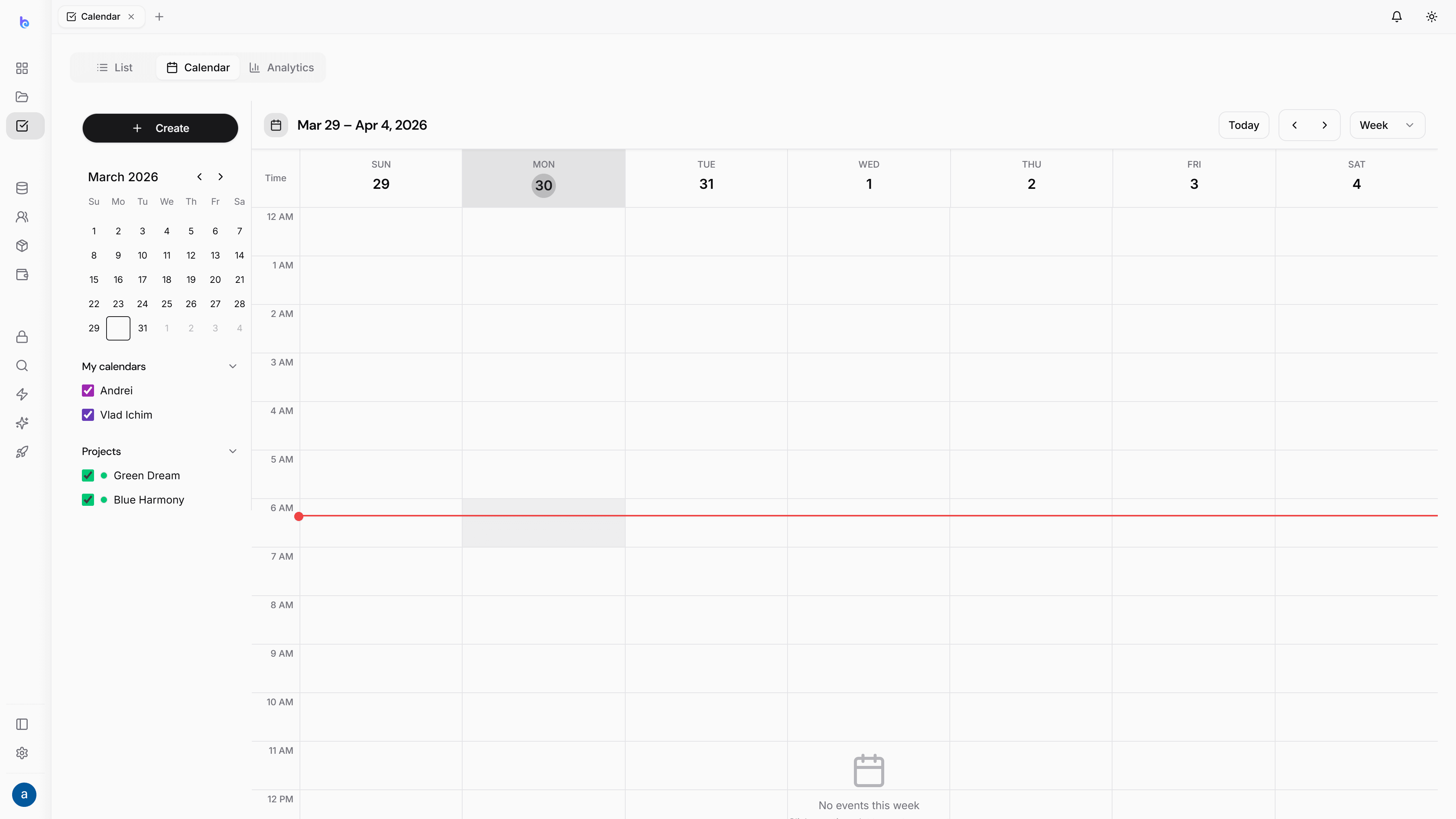
Calendar
Schedule on the grid.
Month, week and day views with deadlines built in. Create events by dragging, then move and resize them as the project shifts.
Month
The big picture
Week
Plan the days ahead
Day
Hour-by-hour focus
Hands-on
A calendar you move, not just read
Drag to create
Click and drag on the grid to block out a new event — no dialog hunting.
Move & resize
Plans change. Drag an event to reschedule, or pull its edge to stretch it.
Link to projects
Tie an event to a project so it shows on that project’s schedule too.
Team visibility
Assign team members and see everyone’s schedule in one place.
Per-project schedule
Every project gets its own timeline
Deadlines and events roll up to the team calendar and also live on each project's Schedule tab, so context is never more than a click away.